Choose your colors#
Open in the editor Theme settings → Colors
Set the shared palette before adjusting individual sections.
- Choose a background, text and accent that work together.
- Choose button colors with clear contrast.
- Preview a light section, a dark section and a product page; individual sections can have their own color controls.

What to look for Text and buttons stay readable on your actual backgrounds.
Choose your fonts#
Open in the editor Theme settings → Typography
Start with one clear heading style and a comfortable body font.
- Choose Heading font and Body text font.
- Preview a long product title and a paragraph of body text.
- Review the mobile storefront before saving.
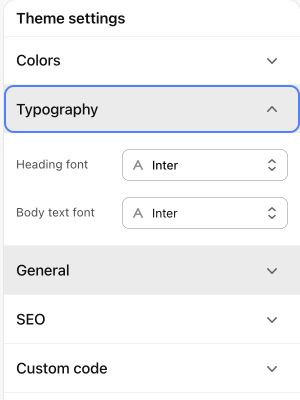
What to look for Headings fit naturally and paragraphs remain comfortable to read.
The editing model#
| Layer | Use it for |
|---|---|
| Theme settings | Store-wide fonts, colors, product cards, motion, and general controls. |
| Header, footer, and overlay groups | Shared navigation, footer content, cart drawer, and optional overlays. |
| Template | The layout used by a product, collection, page, or other resource. |
| Section | A larger piece of a page: slideshow, product information, image comparison, or FAQ. |
| Block | An item inside a section: a slide, question, menu column, product information row, or promotional card. |
Edit a page#
- Open Online Store → Themes and enter the theme editor for the intended theme.
- Use the page selector to choose a template and a preview resource.
- Select a section in the sidebar or use the preview inspector.
- Edit settings and add, reorder, or hide blocks where the section supports them.
- Check desktop and mobile previews. Save deliberately when the preview is correct.
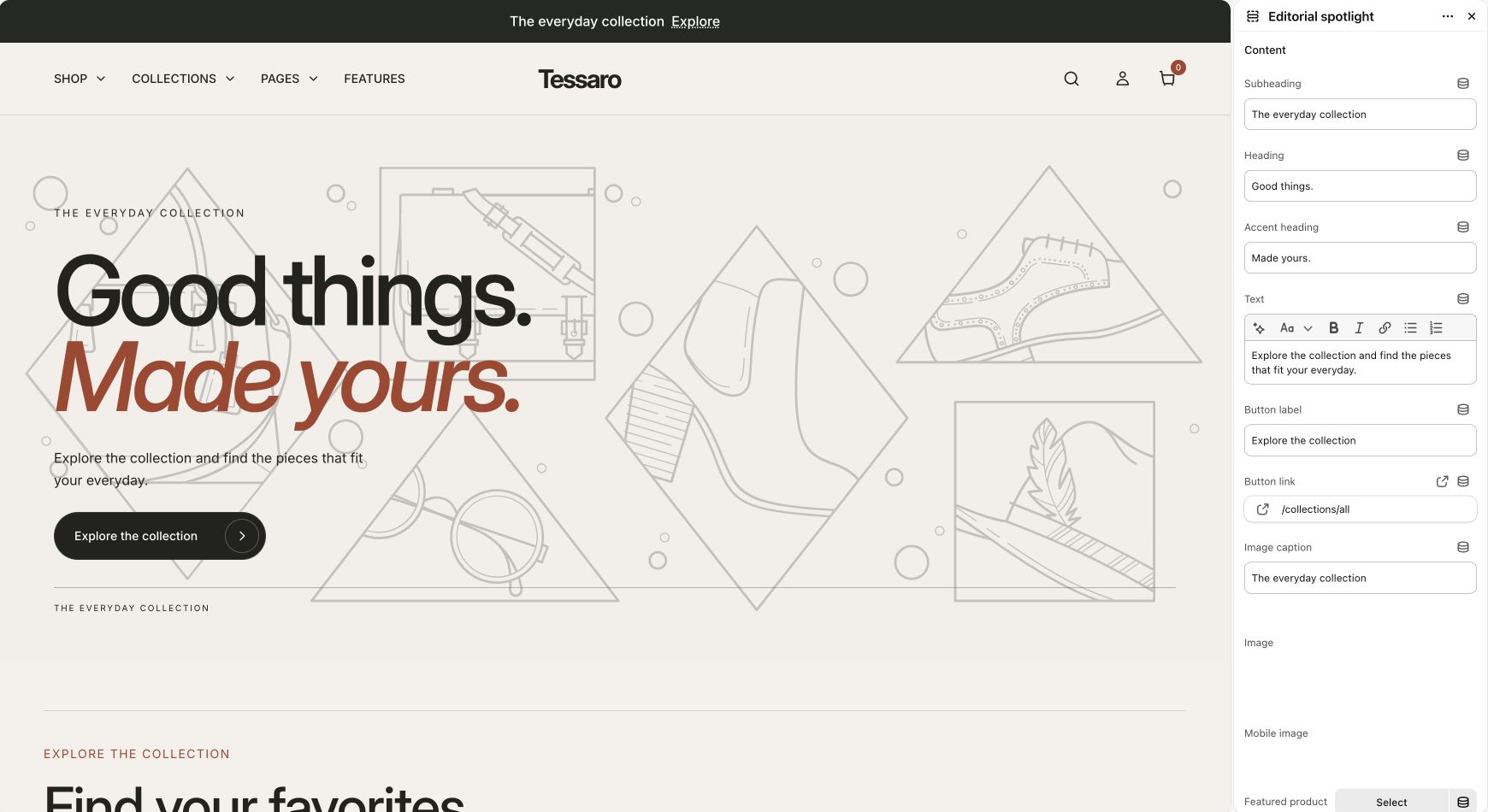
Shared templates affect multiple pages#
Unavailable sections and settings#
Some sections are restricted to product templates or a shared group. Core page sections are not ordinary reusable sections. The section reference explains placement and block limits. A setting can also appear only when another option is selected.